I put together a small 3D viewer because I wanted a faster way to check models without opening Blender, Unity, or a heavier asset tool every time.
The main use is simple: open a .glb, .gltf, .fbx, or zipped model, move around it, look at the texture with point lighting or HDRI lighting against different backgrounds, look at the topology with texture, no material, or wireframe, and decide what to do with it next. It doesn't replace any of my main 3D workflows in Blender or Substance, it's just a quick inspection window that can work with some of my automated scripts for 3D asset work in general.
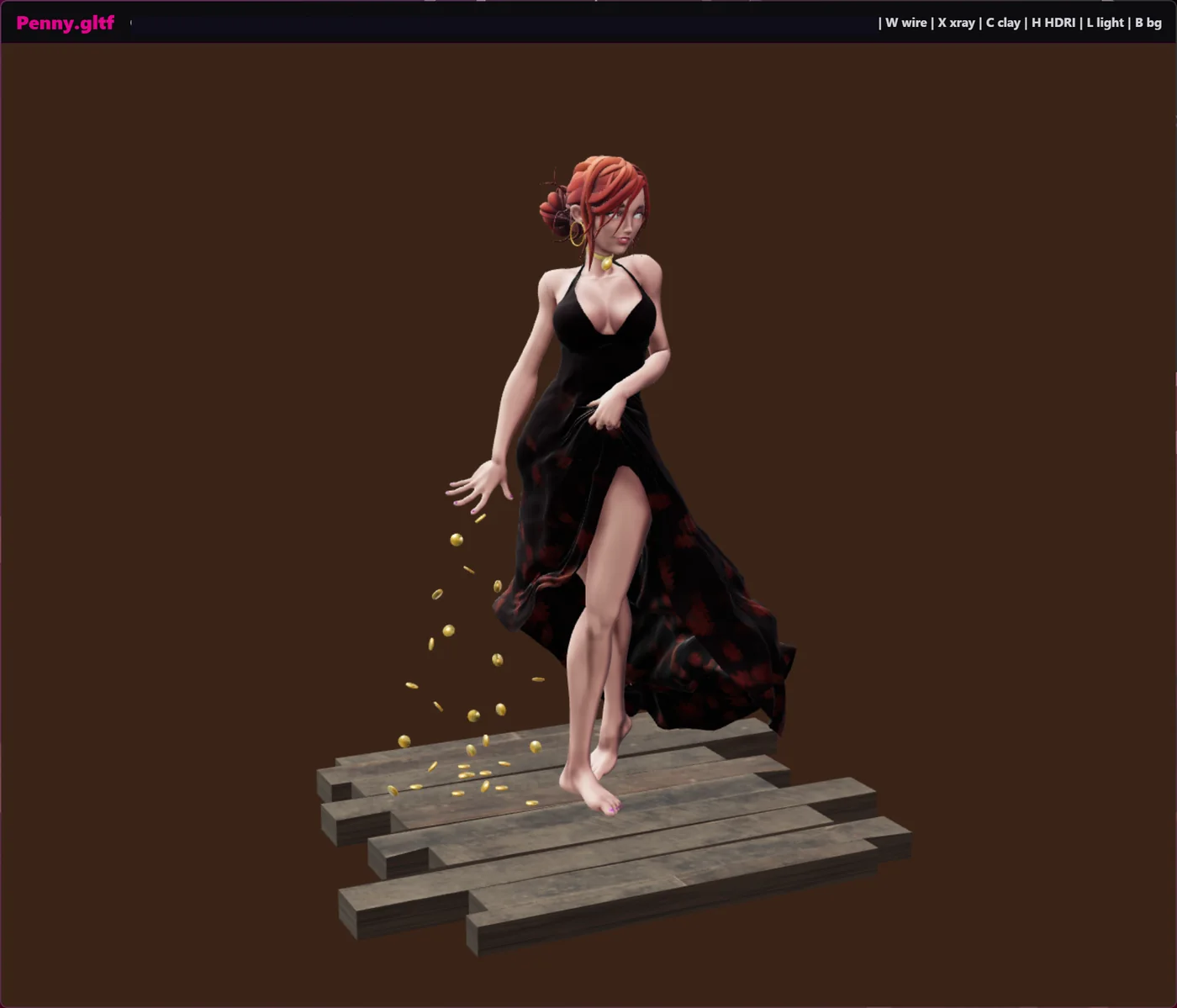
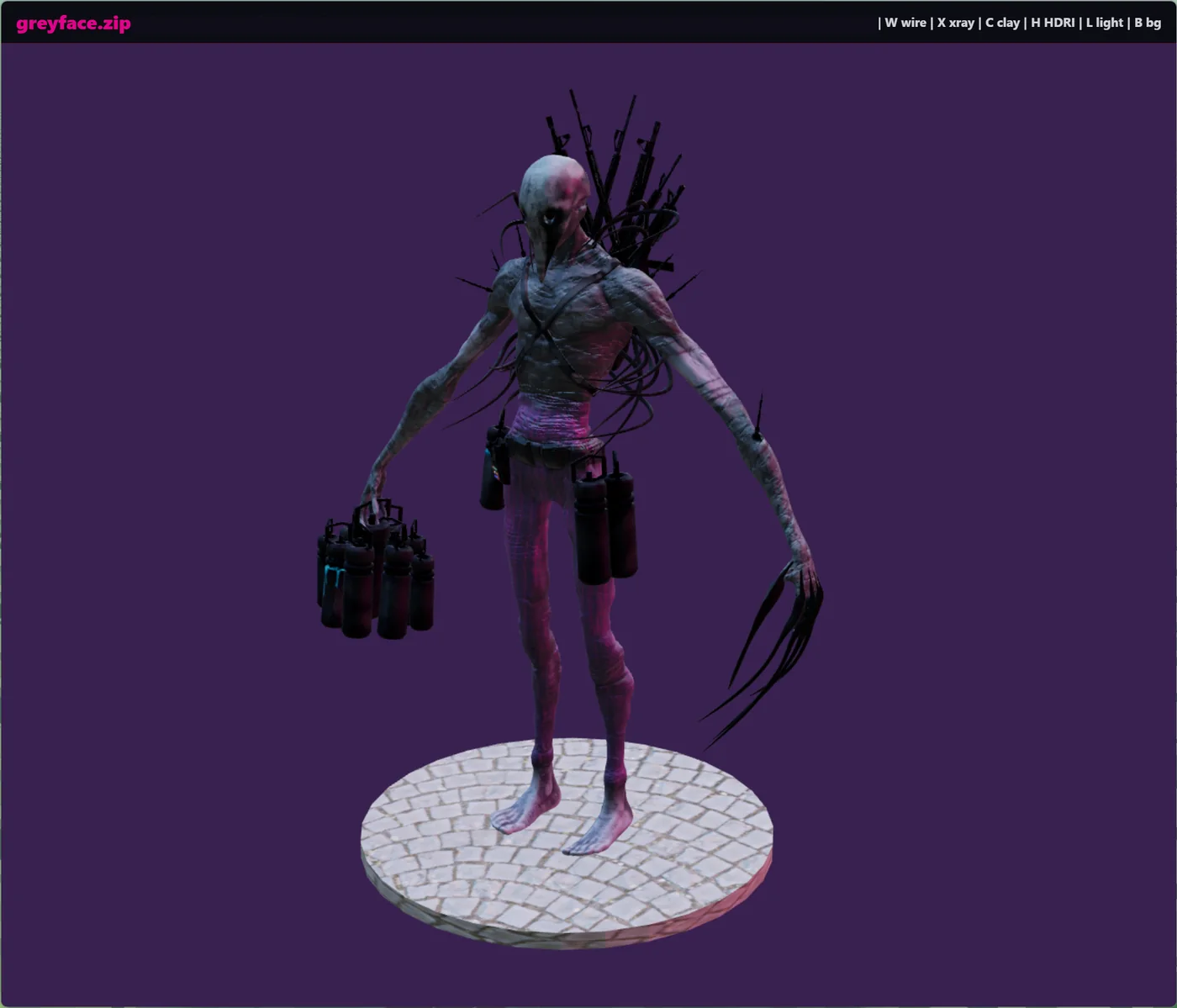
I also published a public version on GitHub. My own local version has some more particular processing features for my workflow, but the public one is focused on the viewer itself. It keeps the useful core: fast model loading, camera controls, HDRI switching, basic lighting modes, clay mode, wireframe mode, and a Windows right-click entry for files like .glb, .gltf, .fbx, and ZIP files containing glTF or GLB models.
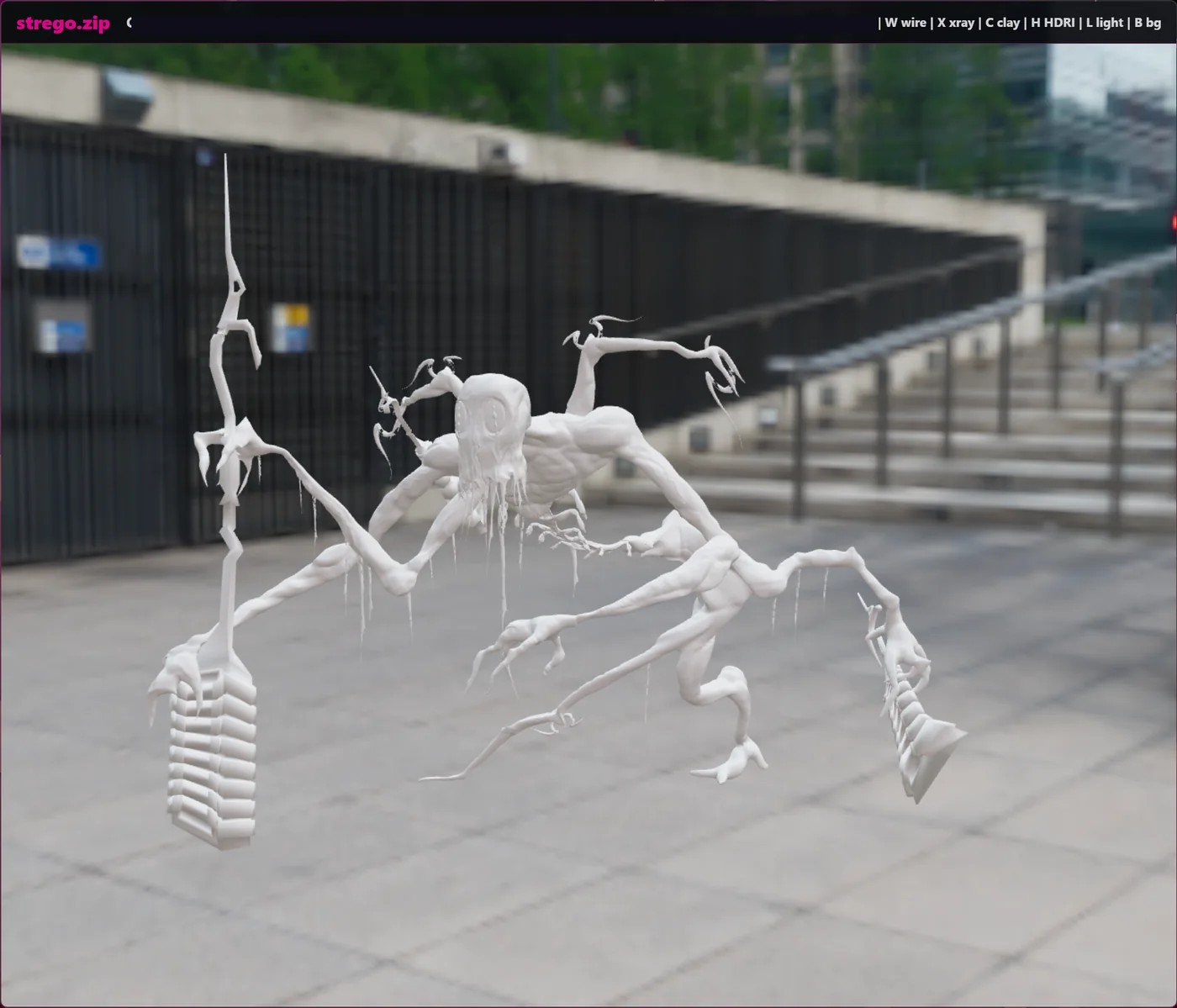
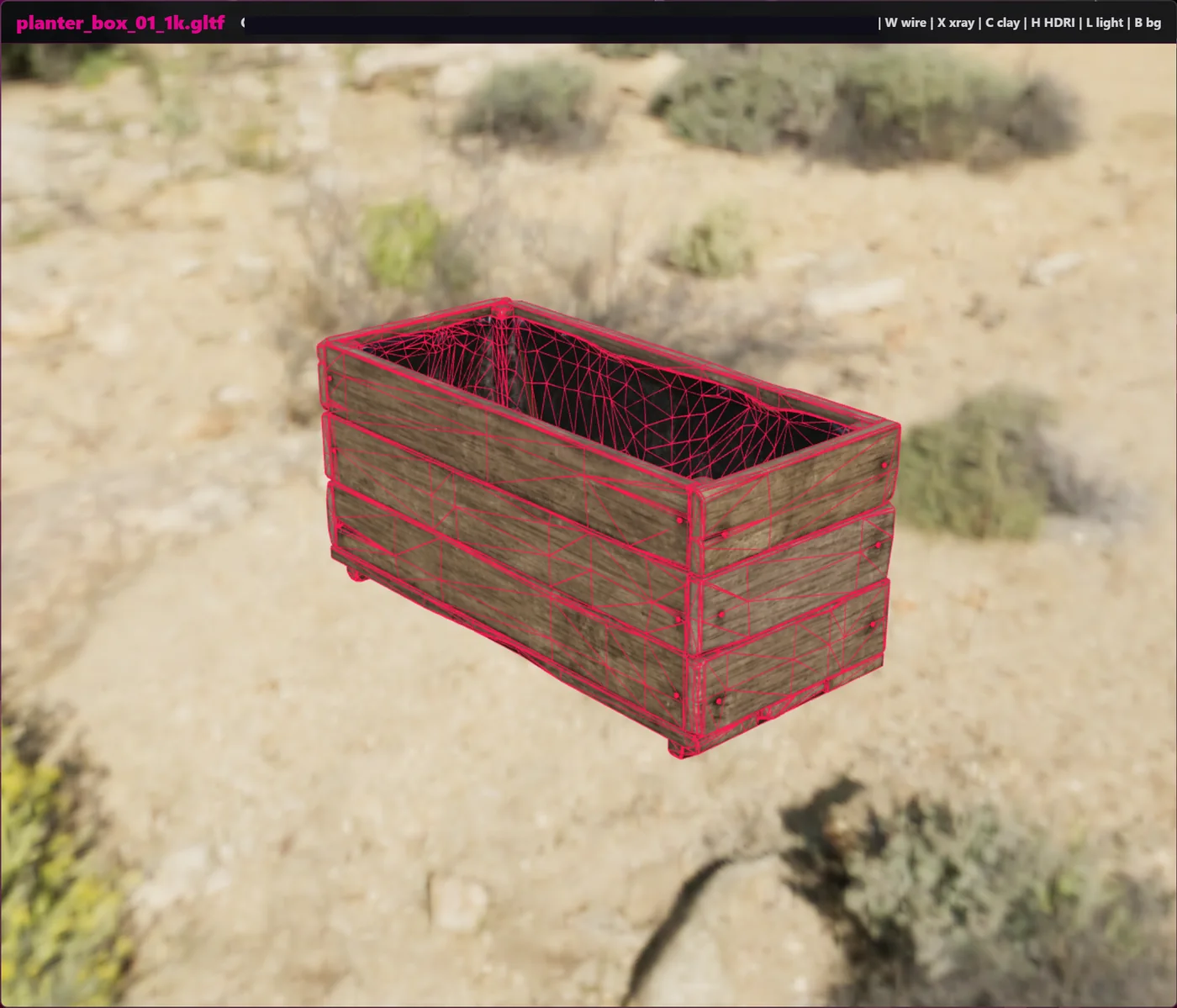
One thing I wanted was quick environment testing. The viewer can swap through HDRIs, so I can see how a model reads in different lighting scenarios without setting up a whole scene. That has been useful for catching material problems quickly, especially when a model looks fine in one lighting setup but falls apart in another.
The lighting, clay, and wireframe tools are there for the same reason. Sometimes I just want to see the model shape clearly. Sometimes I want to check the texture and material response. Sometimes I want to see the topology over the surface and get a rough idea of whether the mesh is clean enough to keep using.
There are still some small rendering issues with certain high-poly meshes, so it is not a finished or perfect viewer. But for the job I made it for, it has already been useful: quick 3D viewing, quick lighting checks, and checking topology quickly. The main point is for it to sit inside automated workflows as a quick check before an asset moves to the next step.